Exhibits & exhibition technology

Exhibits you want to touch.

For more than 15 years we have been developing media stations, projections, games and entire exhibitions – for museums, science centres, memorial sites and brands. We program, produce, supply the technology, install it and then look after its operation.

Discuss a project View projects

  • 480+ projects
  • 10 countries
  • up to 2,900 m² of exhibition space

Every exhibit starts with a question:

What should visitors experience?

Only then comes the technology – and it has to last ten years.

Exhibit types

What we build – at a glance.

Most exhibitions combine several of these building blocks. Choose a type to find out more and see where it is already in use.

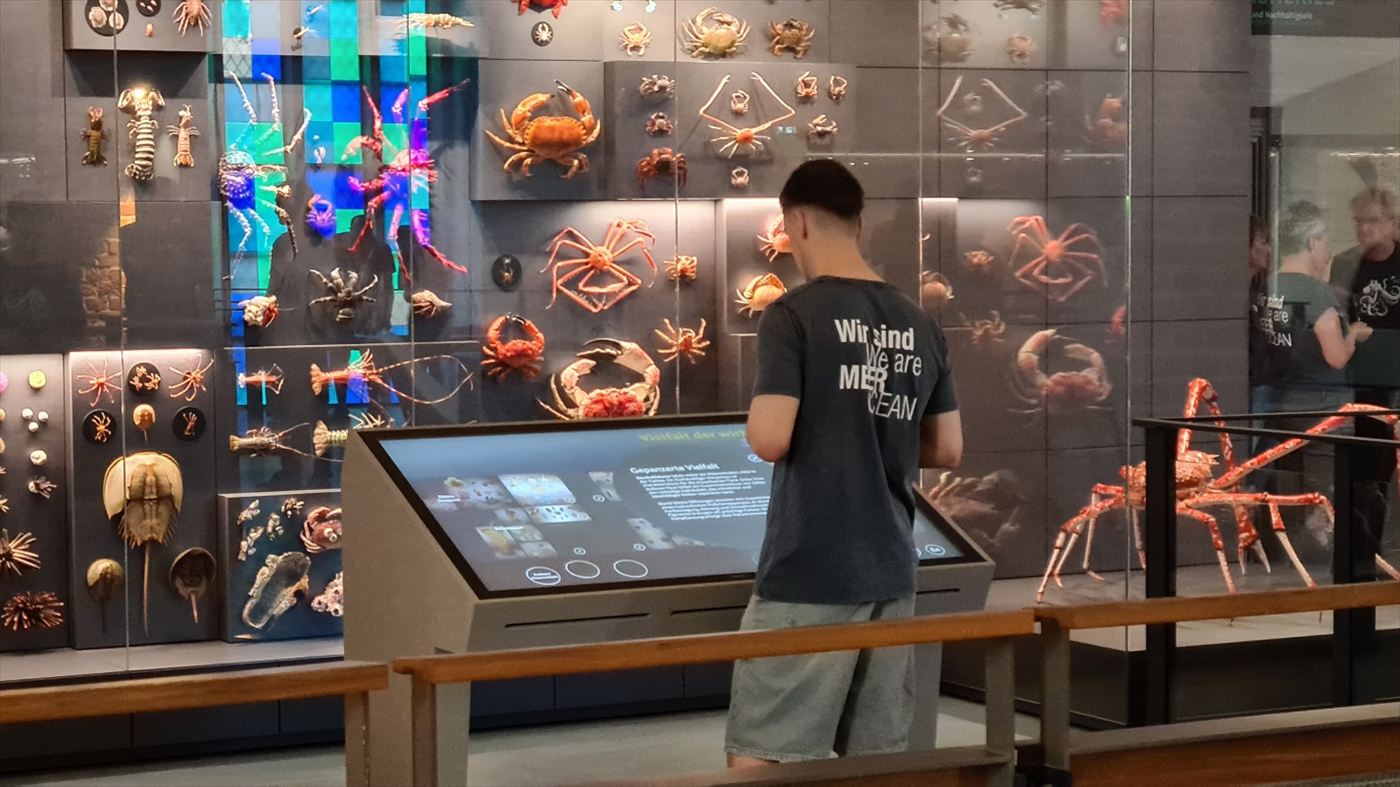
A visitor at a touch station in front of a wall of preserved crustaceans and crabs
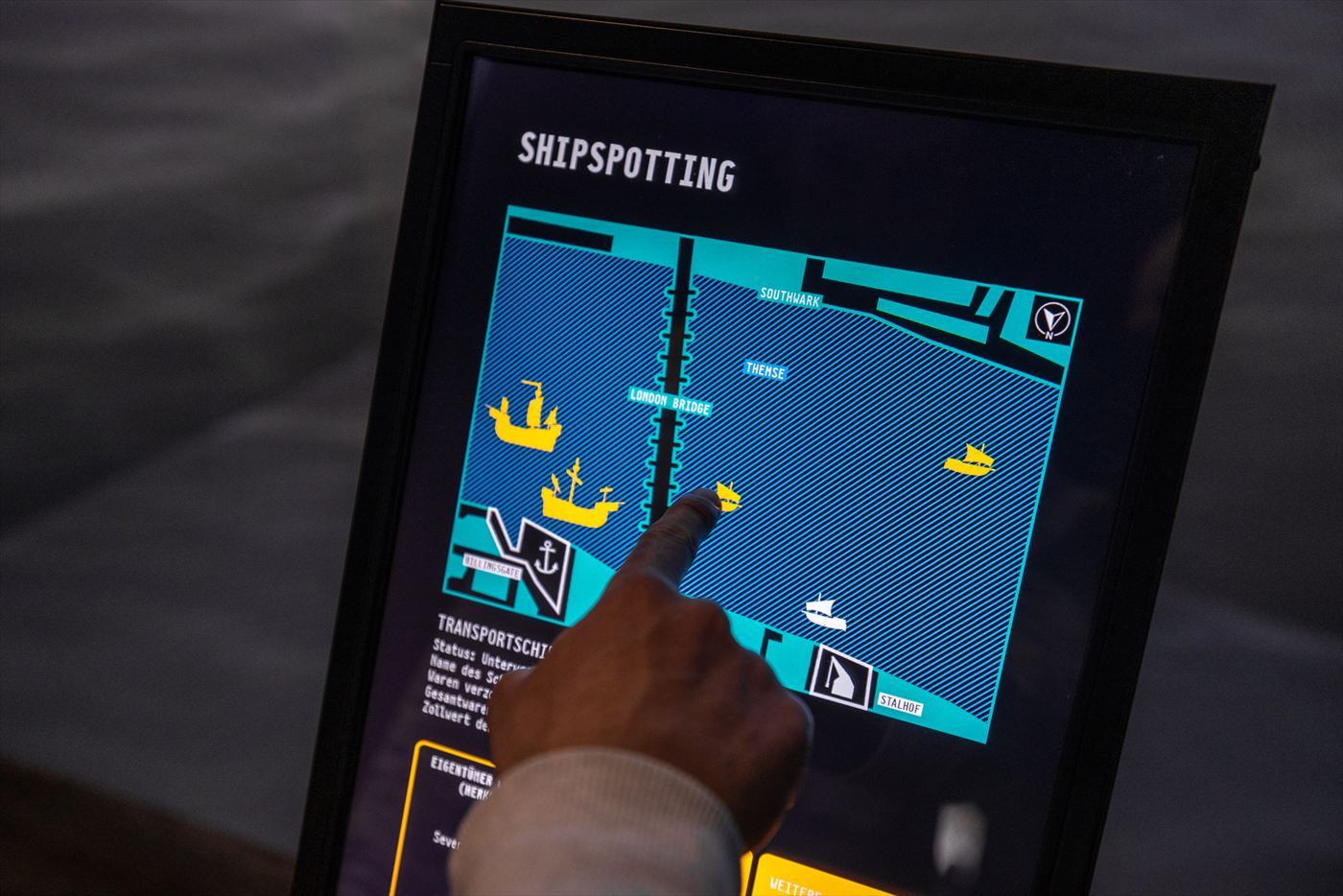
A finger taps a game with ships on a touchscreen© GfG, Michel Iffländer

01 · Media stations & touch

Dive deeper, whenever you like.

The backbone of almost every exhibition: stations where visitors decide for themselves how deeply to explore a topic. We help design the interface, program it, produce films and sound for it on request – and install the technology.

  • Portrait, landscape and ultrawide formats, from tablets to 85-inch touchscreens
  • Multilingual, with Easy Read, high contrast and subtitles
  • Idle screen and automatic restart once nobody is standing in front of it
  • If you wish, your team manages the content itself – in the gemelo CMS
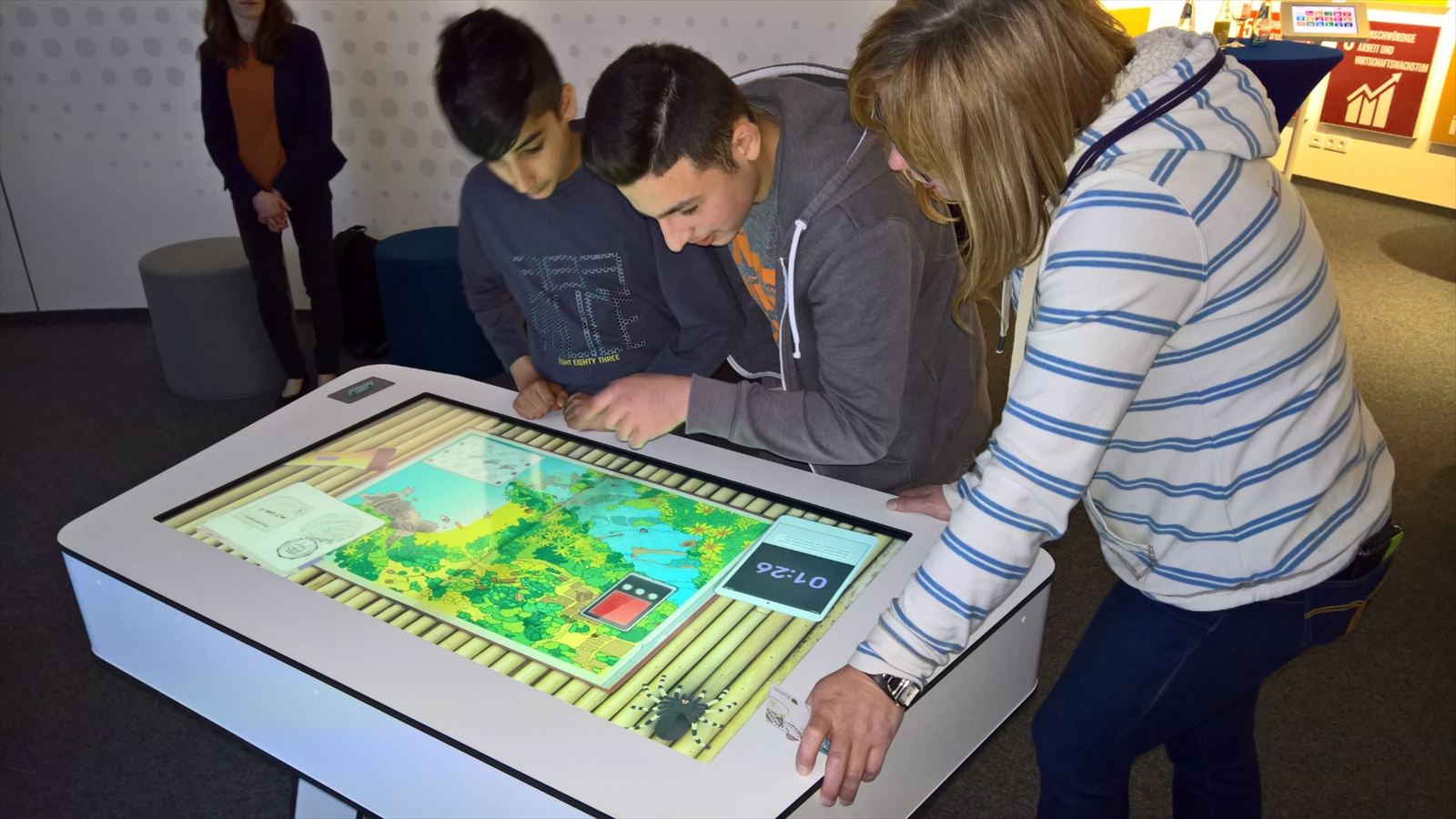
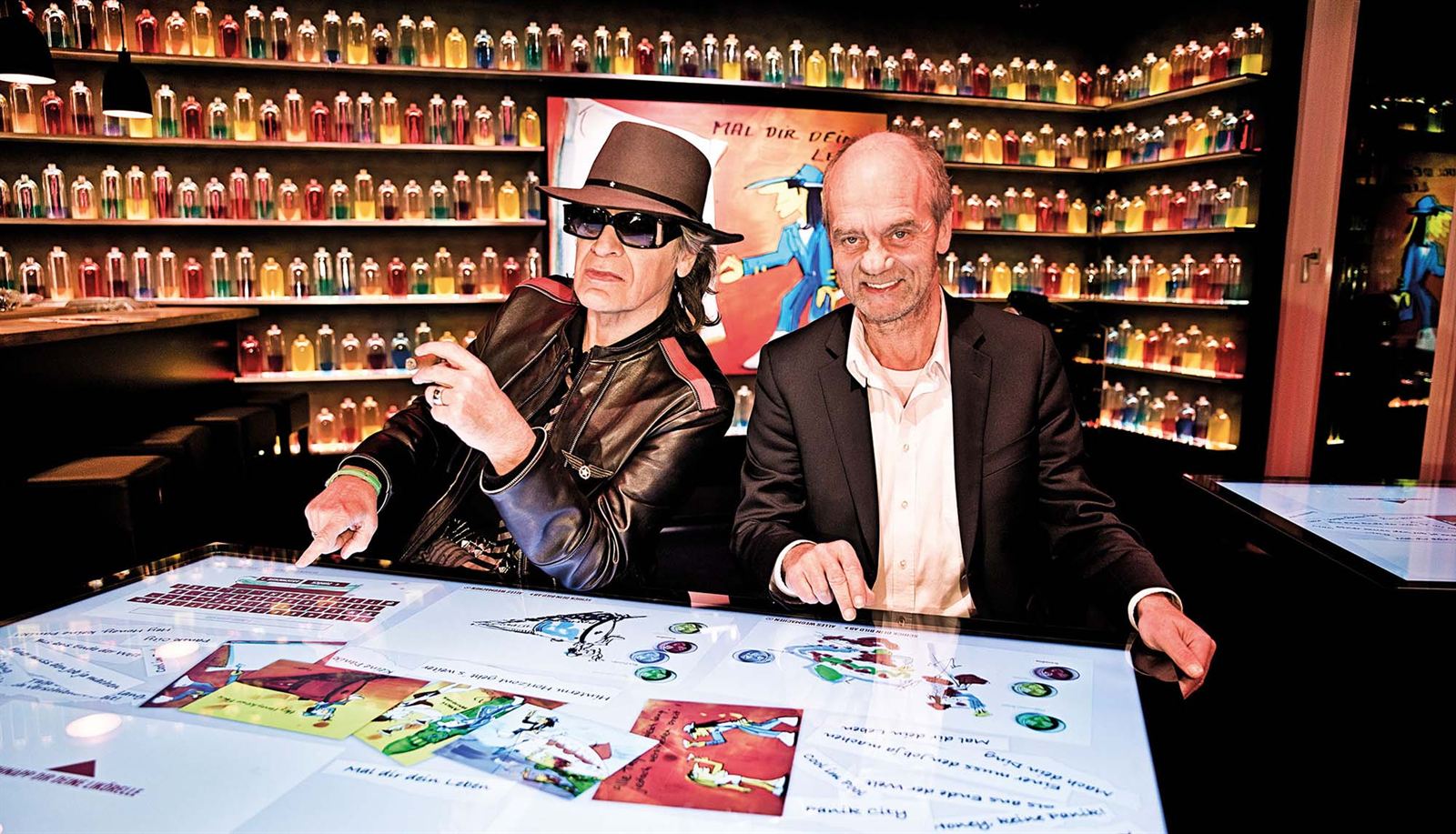
Young people playing together at a large multitouch table
Multitouch table with drawings and song lyrics at Panik City© Framegrabber Medien GmbH

02 · Multitouch & object tables

A table brings people together.

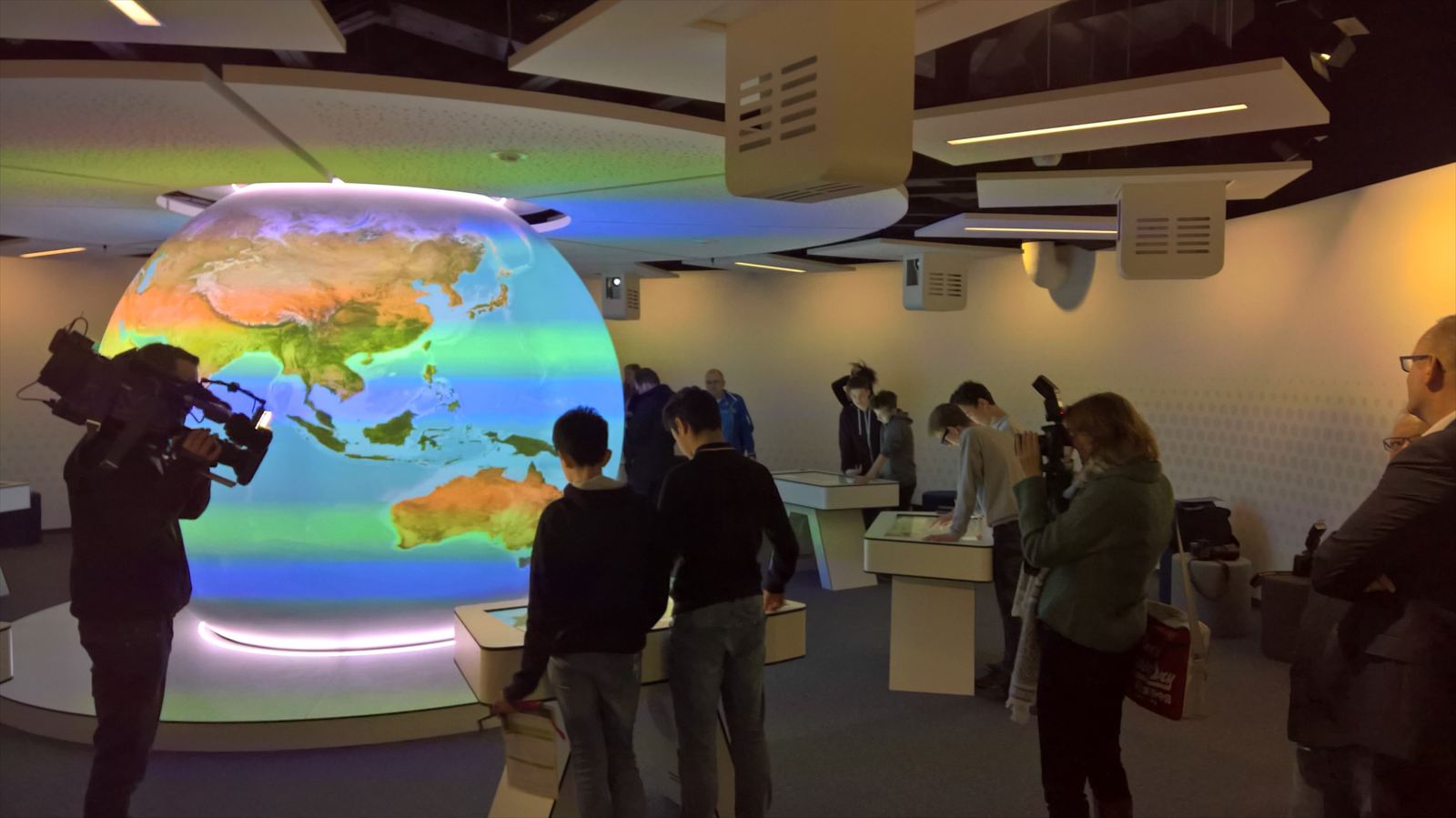
At the table, several visitors play, sort and explore at the same time. In the World Future Lab at Klimahaus® Bremerhaven, eight game stations are grouped around a globe – together, visitors negotiate a climate conference.

  • Multitouch for many hands at once
  • Object recognition: place an item on the table and the content appears
  • Maps, geodata, timelines and digital collections
  • Furniture and technology that can stand up to school groups
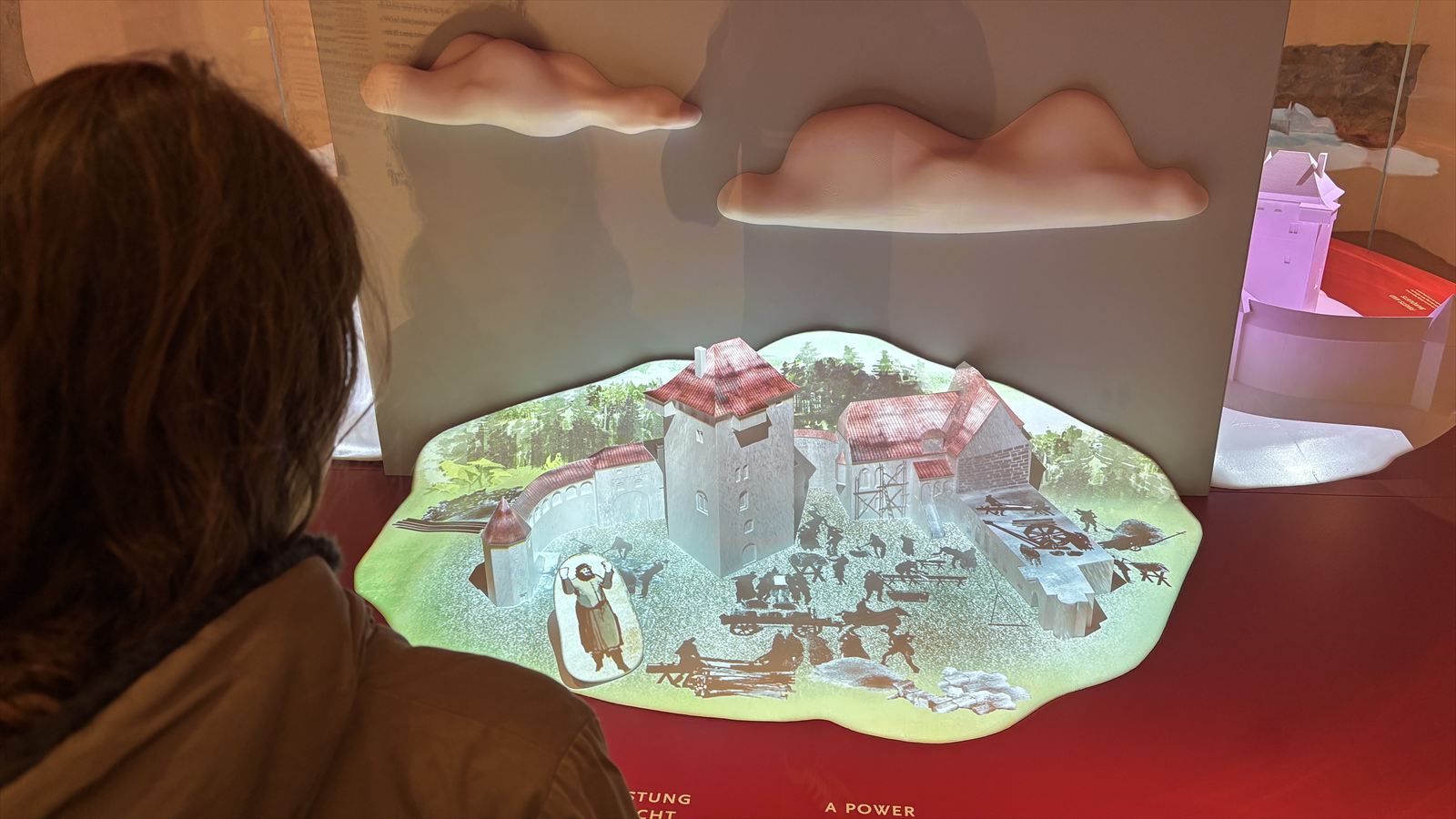
A visitor looks at a castle model onto which scenes from everyday castle life are projected© Framegrabber Medien GmbH
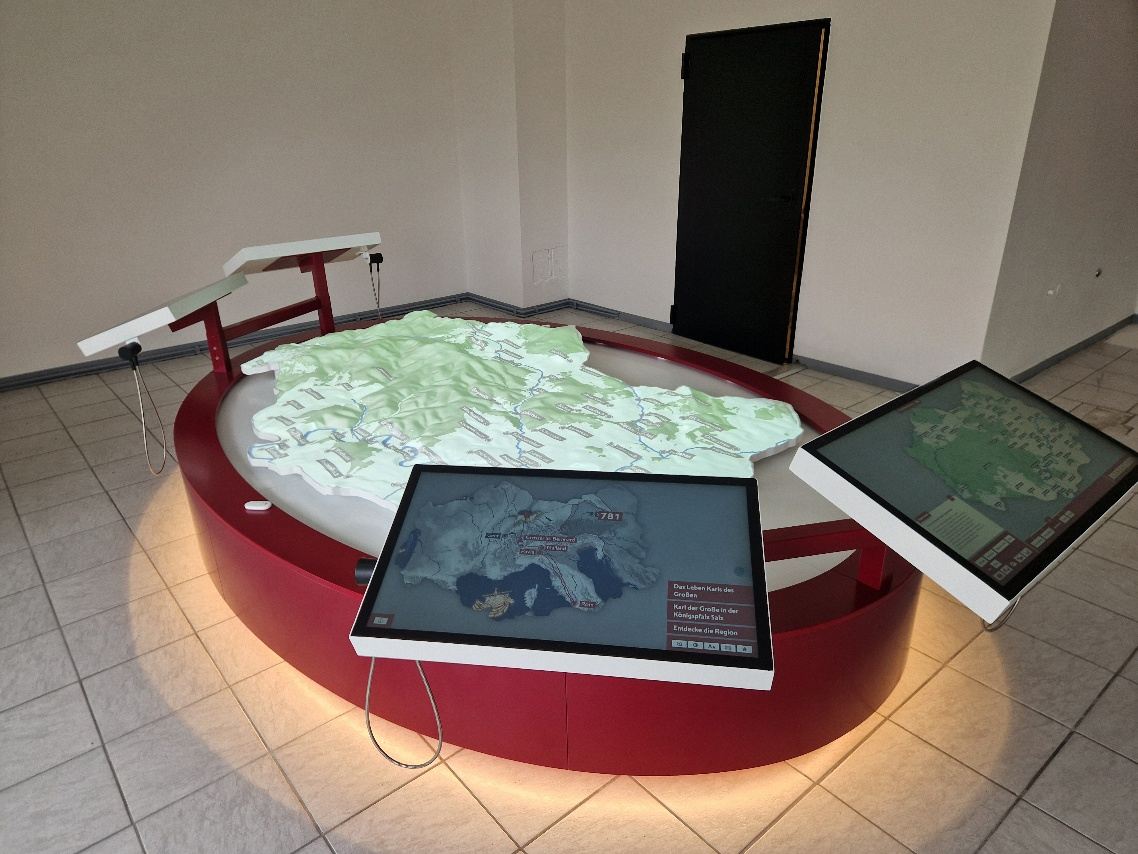
Landscape relief with projection, with two touchscreens in front of it

03 · Projection onto models & spaces

Models, ceilings and walls become a stage.

At Schloss Burg, castle models come to life; cameras track how visitors move, and the show responds to them. In Bad Neustadt, four touchscreens control the projection onto a landscape relief – all content and media are managed in the integrated gemelo CMS.

  • Edge blending and warping across many projectors – up to a 270° panoramic view
  • Projection onto reliefs, 3D models, spheres and vaults
  • Interactive via touch, sensor or camera – all the way to AI pose recognition
  • Large formats such as the 12 × 3 metre polar bear world at Zoo Rostock
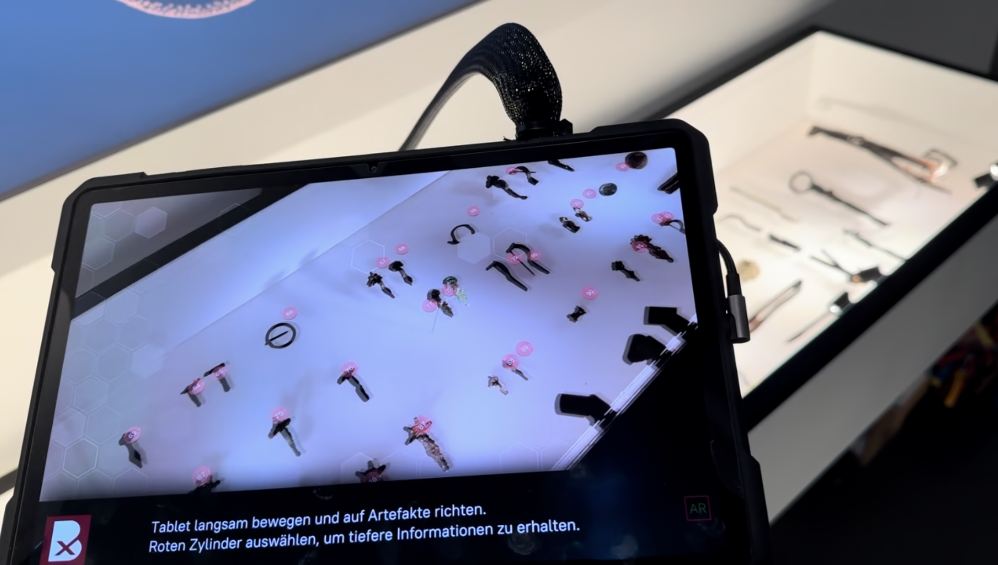
A tablet shows the display case with grave goods; virtual buttons hover above the objects
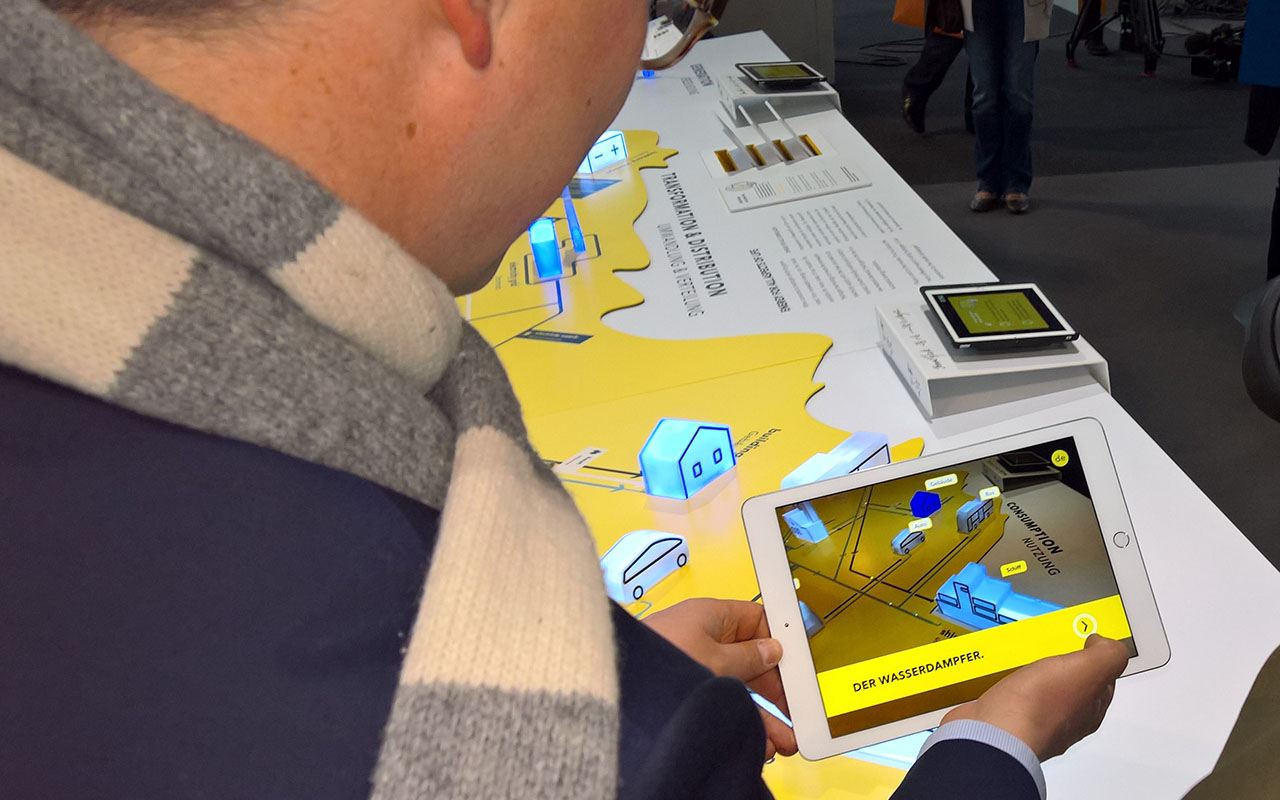
A visitor holds a tablet over an exhibition model

04 · Augmented & virtual reality

The display case gains a second layer.

At the Buxtehude Museum, you hold a tablet up to the display case with the grave goods: a virtual button hovers above every piece – no matter which angle you look from. One tap, and the object tells its story. And anyone who fancies it can fly on a virtual witch’s broomstick at the Harzer Hexenreich.

  • AR apps for tablets and smartphones, located via beacons on request
  • VR experiences and simulations – all the way to a capsule ride to the centre of the Earth
  • Loan devices or visitors’ own smartphones
  • Tablets secured in kiosk mode – with Kiosk Admin
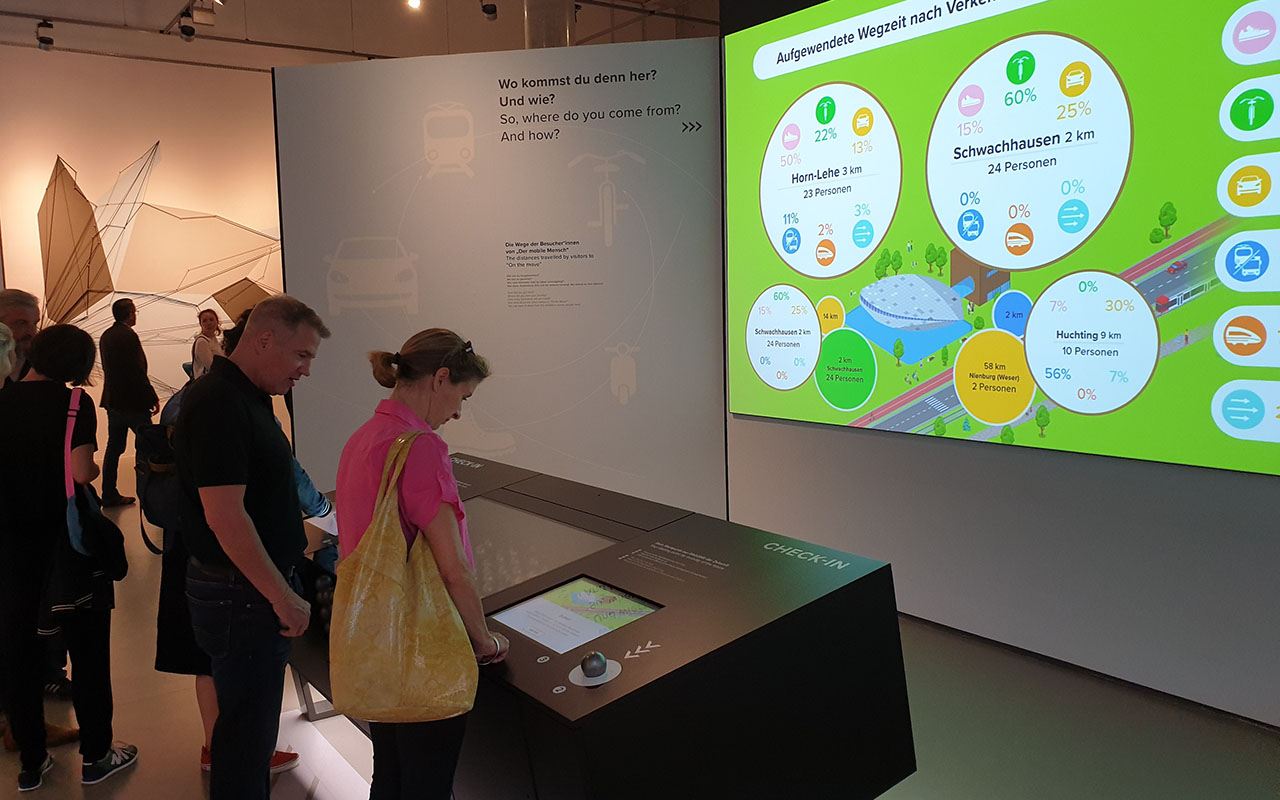
Visitors at a check-in station; next to it, a large projection shows visitors’ routes analysed live
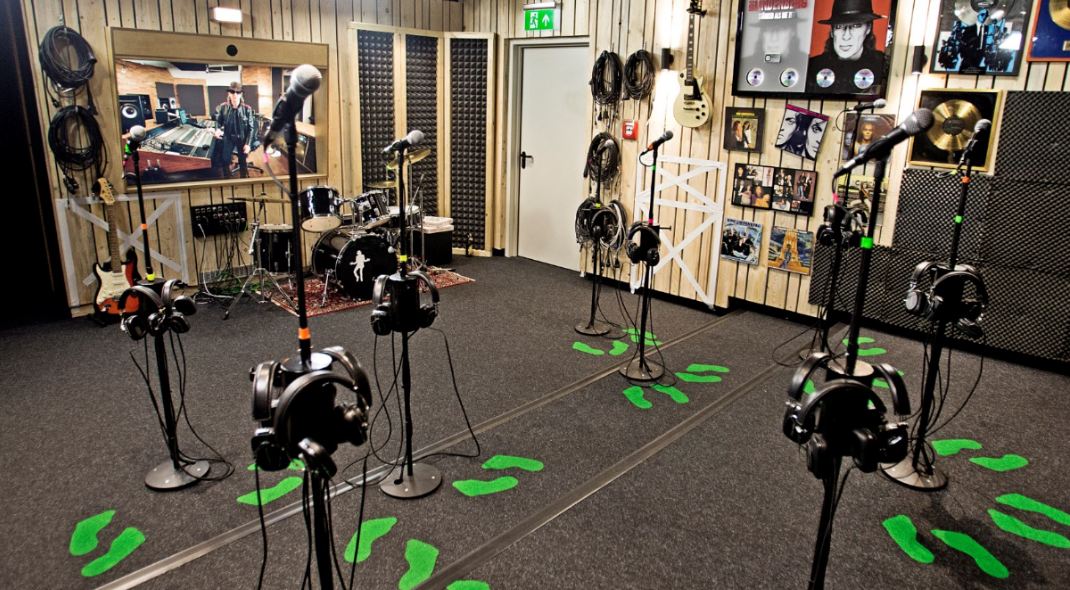
Recording studio with microphones and footprints on the floor

05 · Games, quizzes & participation

What stays with you most is what you did yourself.

In the sword-fighting reaction game at Cadolzburg Castle, when recording “Mach dein Ding” in the Boogie Park at Panik City, or in the jump that 64 cameras at the Dynamikum capture as a 360-degree animation: the strongest moments happen when visitors get active themselves.

  • Quizzes, reaction and skill games, surveys
  • Visitor cards with RFID: collect results and retrieve them later
  • Live analysis on the big wall
  • Stations where visitors contribute their own stories
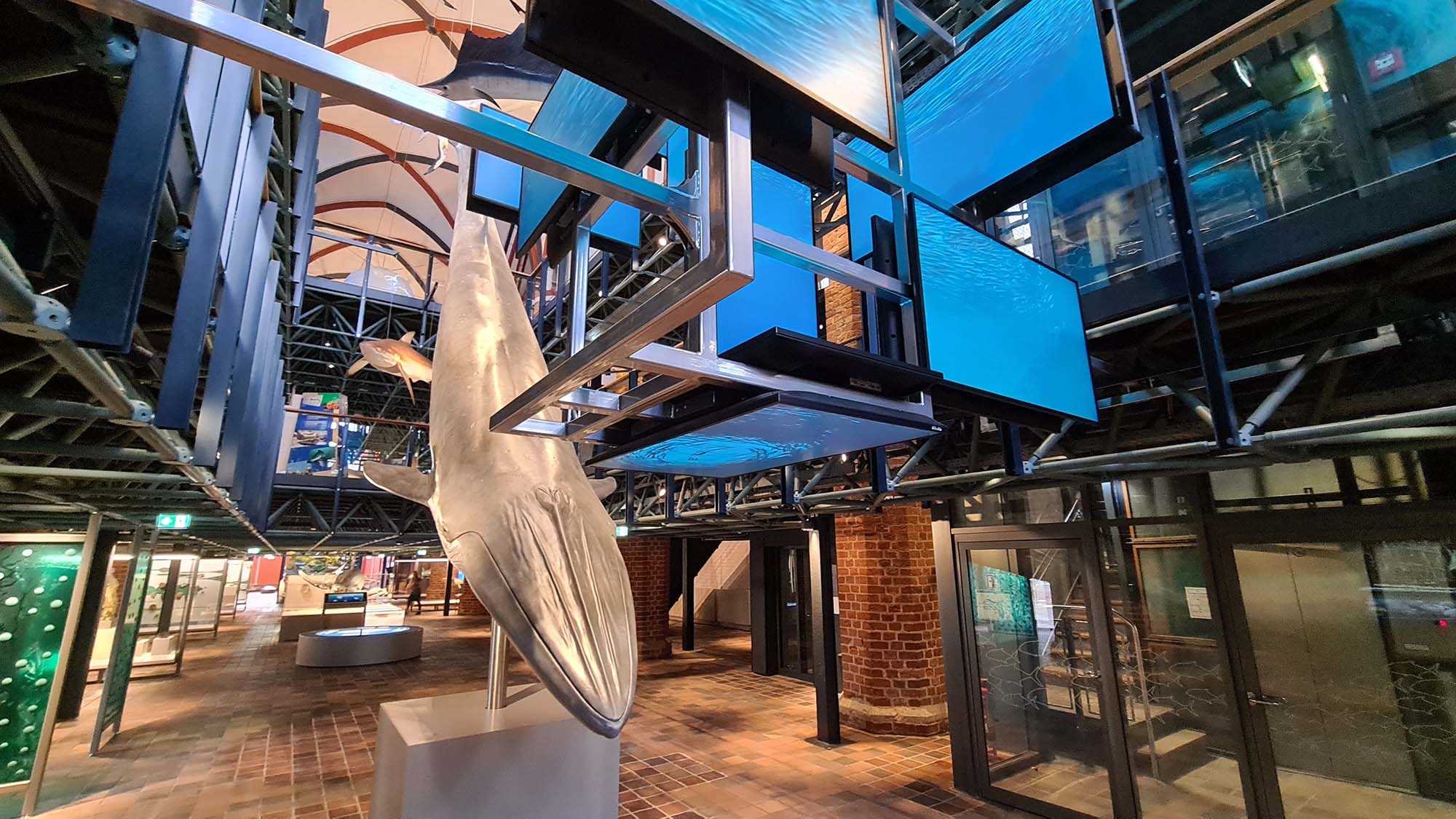
Whale model beneath floating screen cubes showing water surfaces
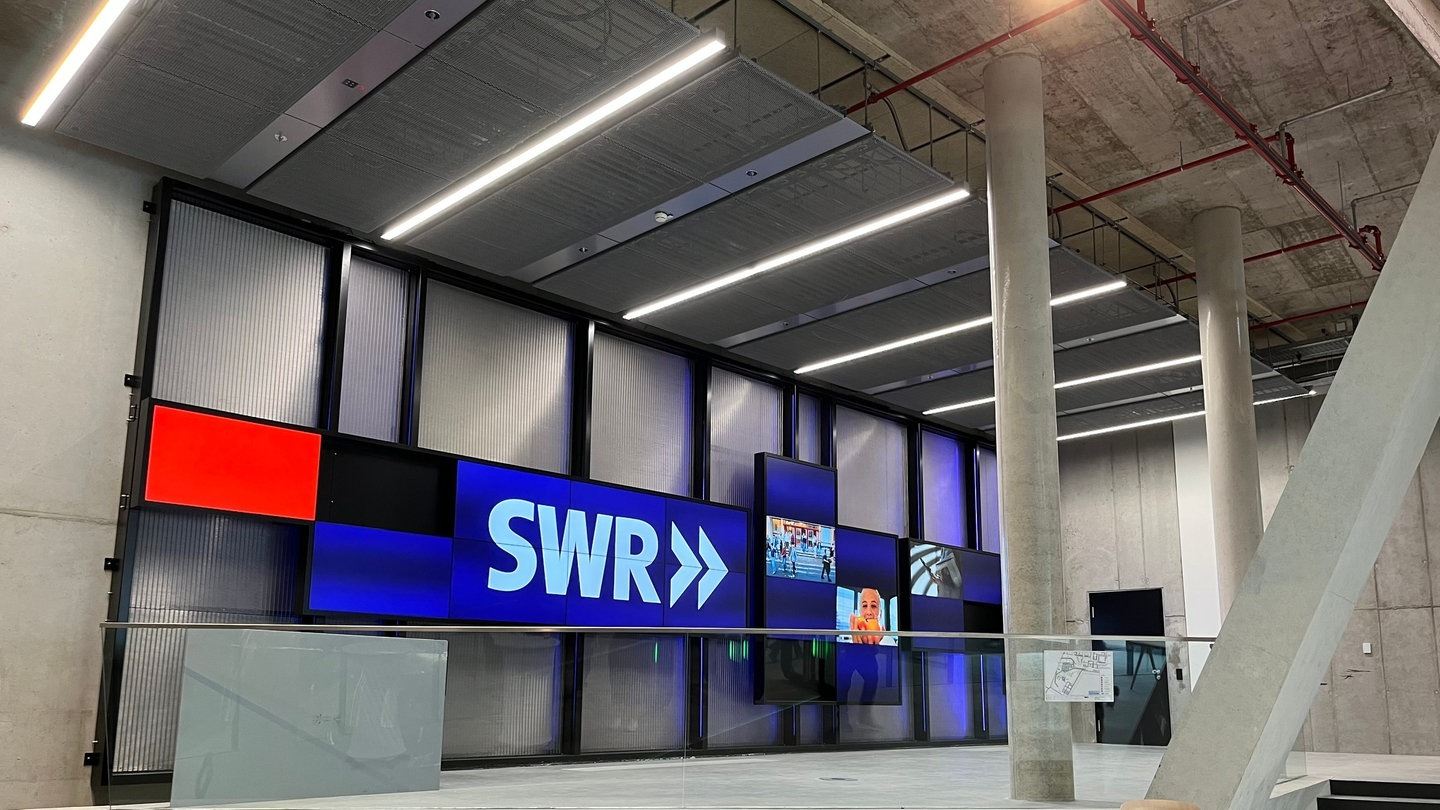
Display wall with integrated lighting in the foyer of a media centre

06 · Media walls & displays

Big pictures you can see from the entrance.

Floating screen cubes above the whale at the German Oceanographic Museum, a display wall with integrated lighting in the foyer of the SWR media centre, video walls with live-analysed visitor answers: large formats set accents and guide people through the space.

  • Video and LED walls, played in sync
  • Curved screens and special formats
  • Films on media players and texts for LED tickers, manageable in the gemelo CMS on request
  • Media and lighting technology, seamlessly integrated
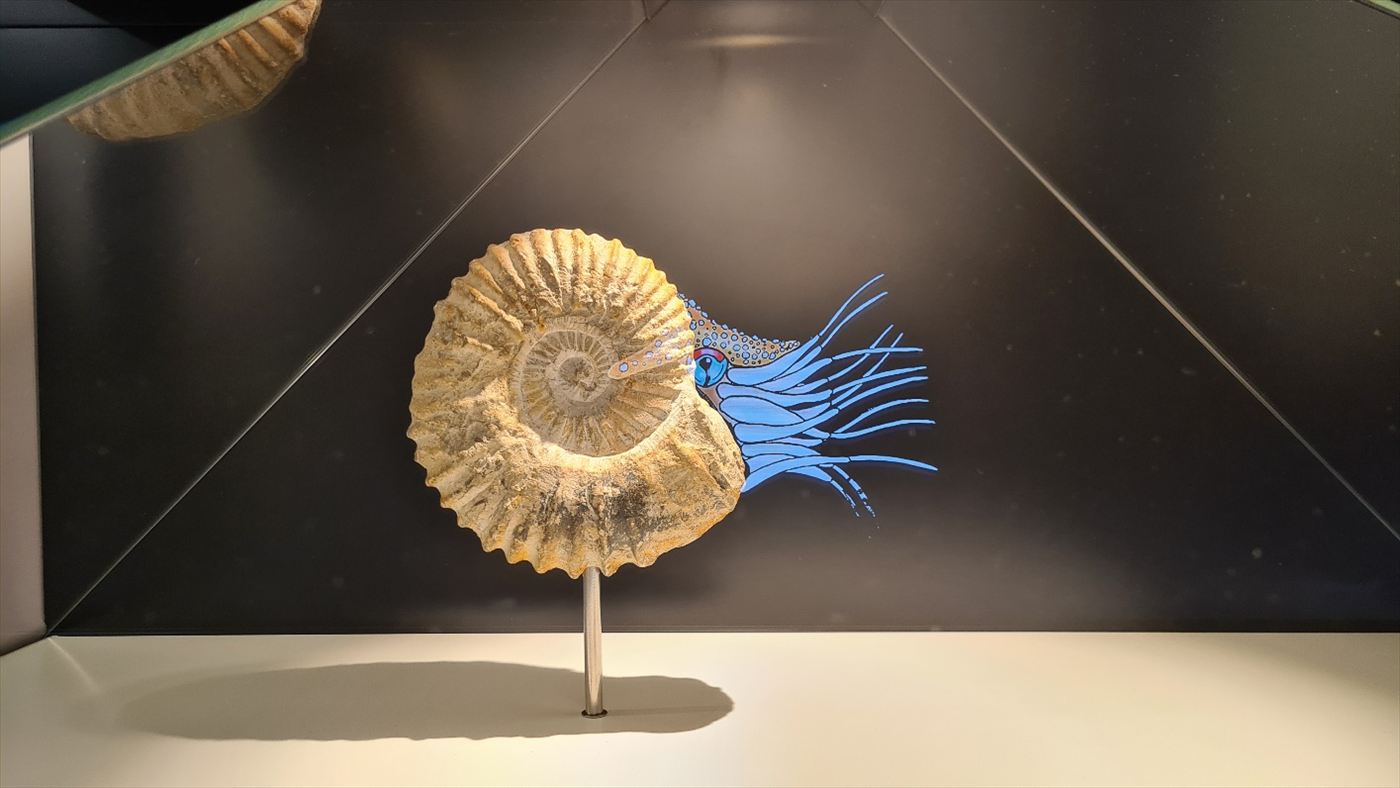
Fossilised ammonite in a display case, with animated tentacles growing out of it
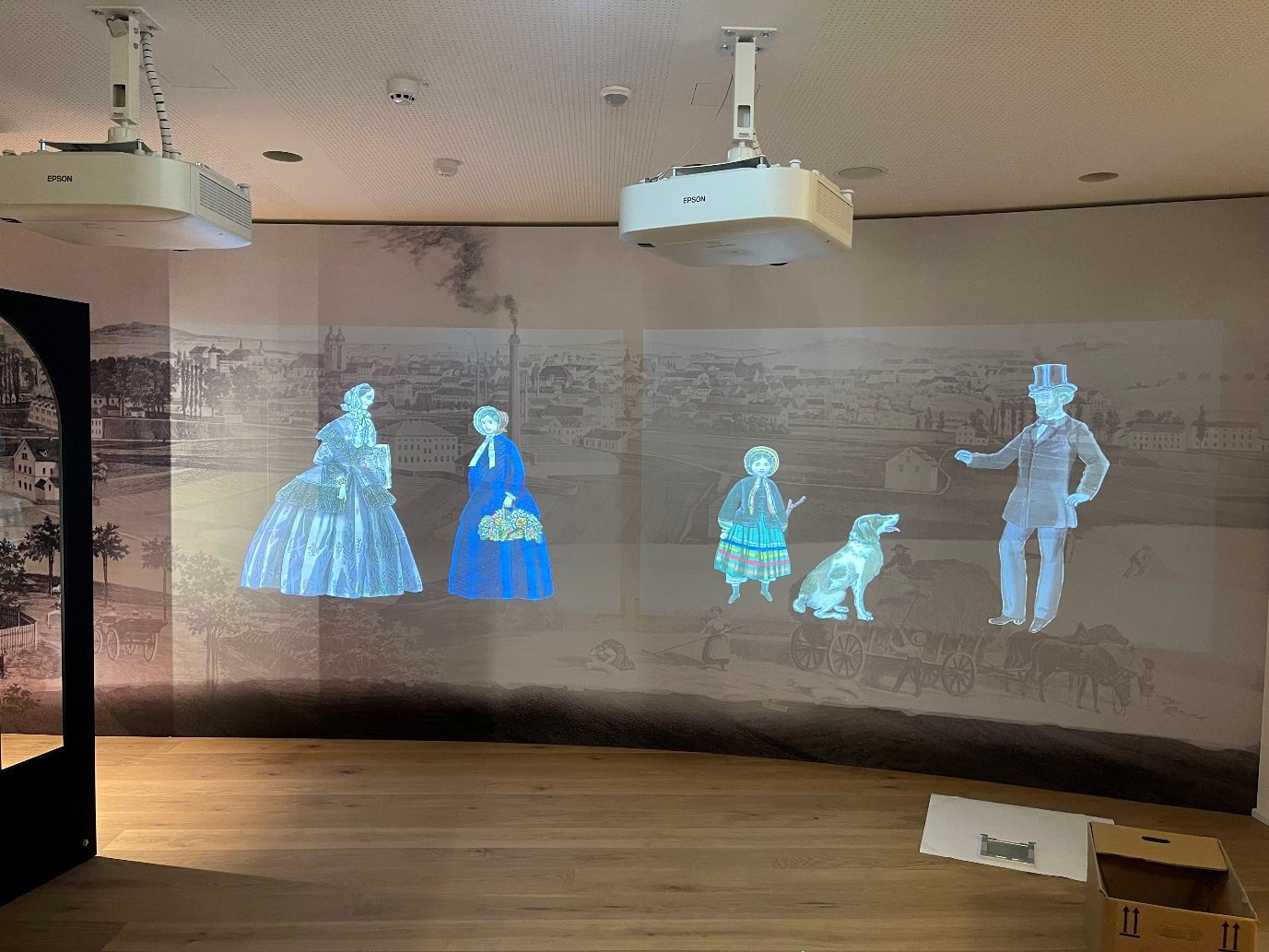
Projected historical figures in turn-of-the-century clothing

07 · Illusion & staging

The best technology is the kind you don’t see.

At the Arche Nebra, figures seem to act inside the display case – a Pepper’s ghost effect created with a coated glass pane and a hidden monitor. At the German Oceanographic Museum, a fossilised ammonite grows its tentacles back. And at the Fabrik der Fäden in Plauen, figures from around 1900 appear on the wall.

  • Pepper’s ghost and holographic display cases
  • Projection onto objects, figures and textures
  • Light, sound and image synchronised to the split second
  • Push buttons & rotary knobs
  • RFID cards
  • LIDAR touch on any surface
  • Cameras & pose recognition
  • Object recognition
  • Beacons & positioning
  • Lighting & DMX
  • Microphones & sound
  • Custom electronics

08 · Hands-on & sensors

Crank, press, turn – and marvel.

At the Energie-Erlebnis-Zentrum Aurich, visitors test rotors in a wind tunnel, race solar cars against each other and measure their own power output on the energy crank. We build exhibits like these with electronics that we develop ourselves and fit into furniture, models and even historical objects.

  • LIDAR turns any surface into a touchscreen – even an old suitcase
  • Models with LED paths, cranks, buttons and sensors
  • Save results via RFID and retrieve them at home via QR code
  • Electronics based on Arduino, ESP32 and Raspberry Pi
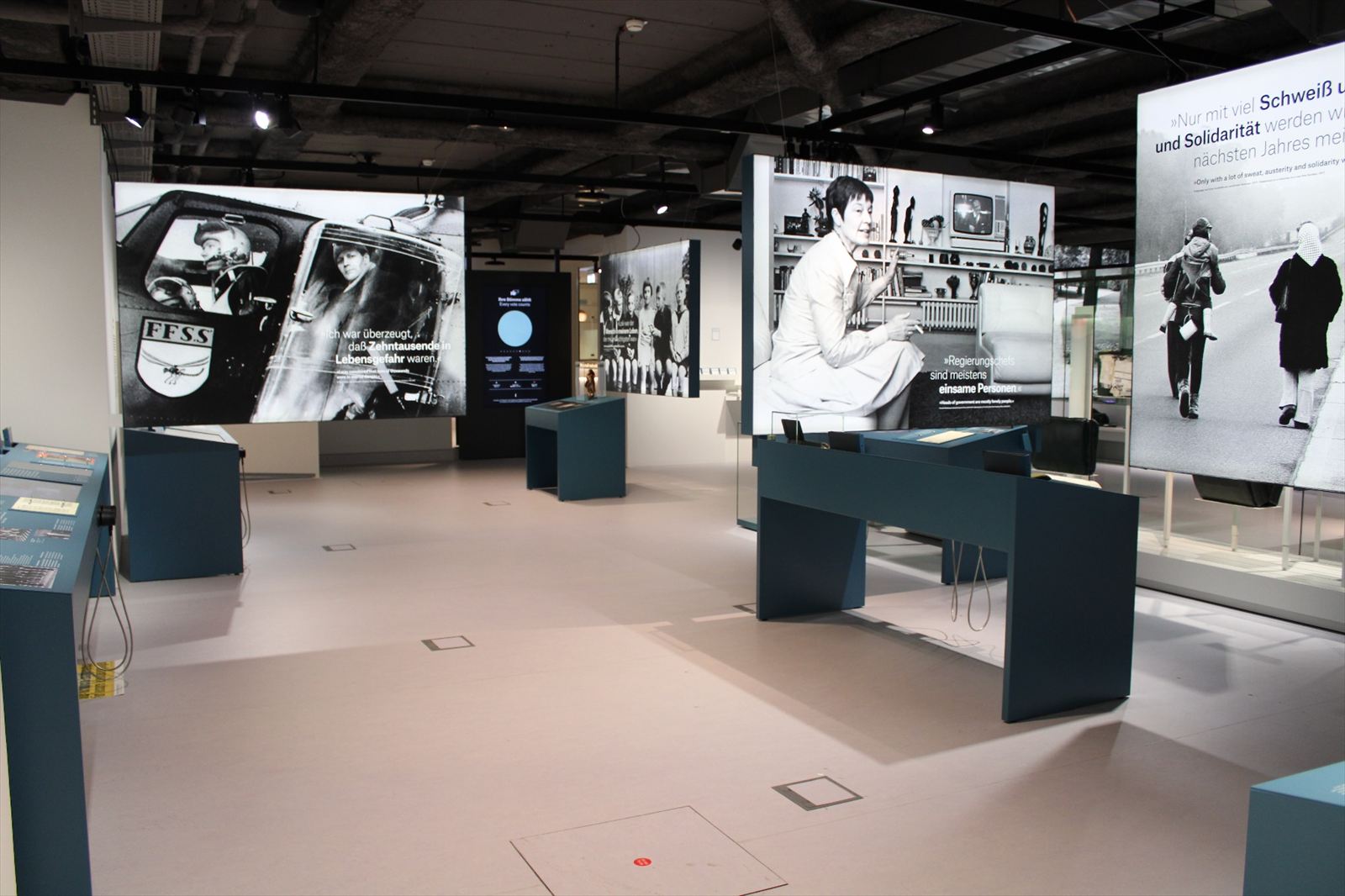
Exhibition room with large-format backlit images, media tables and headphones
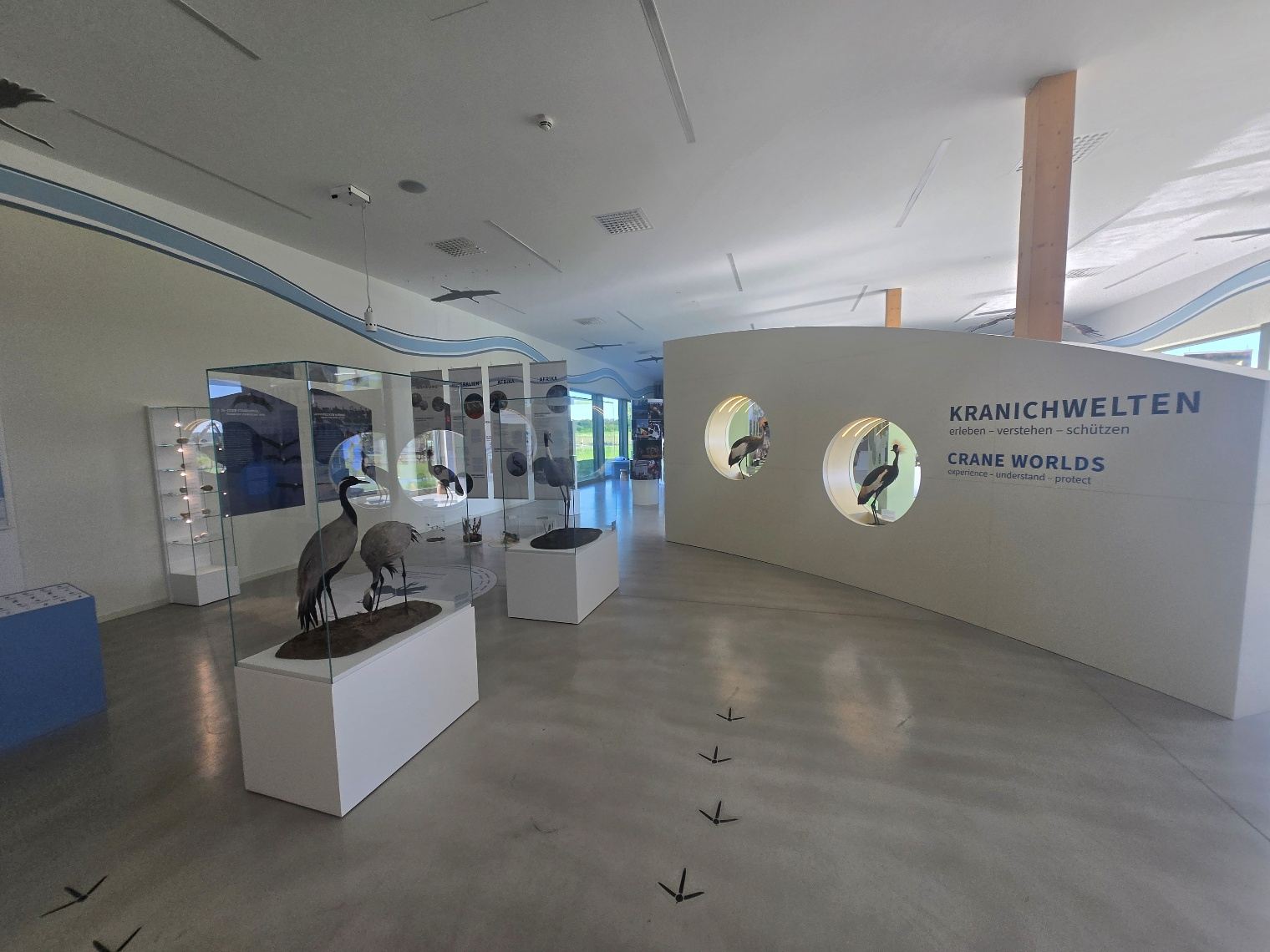
Exhibition room with a taxidermy crane and round media stations

09 · Audio, apps & guides

Listening goes deeper.

Listening stations, sound spaces and a sound shower with the duet calls of all 15 crane species. On the move, apps keep visitors company: the audio guide at the German Emigration Center uses GPS and beacons to detect – in a privacy-compliant way – where visitors are standing, and plays the matching content.

  • Listening stations and multichannel sound spaces
  • Audio and multimedia guides for iOS and Android
  • Positioning via beacons and GPS
  • Loan devices in kiosk mode, managed with Kiosk Admin

How we work

From the first idea to the tenth year of operation.

We work on behalf of scenography and architecture firms as well as directly for museums, cities, foundations and companies – as a single partner for software, media and technology.

  1. Listen & conceptualise

    We start with your content and your audience. The result is a concept in which technology serves the story.

  2. Prototype & design

    We test interactions early on with a prototype – that way it becomes clear what works before the furniture is built.

  3. Program & produce

    Software, electronics, film and sound are created as one – with content your team can later manage itself.

  4. Deliver & install

    We supply the media technology, then wire, mount and commission everything – documentation included.

  5. Operate & support

    After the opening, we stay on: with remote maintenance, updates and a control system the staff understand.

Technology

What lies beneath the surface.

Our exhibits run on our own software, which we have been developing for years. That makes them quicker to build, easier to maintain – and more robust in everyday use.

In-house exhibit software

Applications for Windows, Android and the browser, built on a shared foundation – and, with our UI framework OPF, on further platforms.

Go to OPF

Manage content yourself

Your team edits texts, images, films and translations in the original station software – versioned, with publishing and roll-back. A dashboard shows all of the exhibition’s editable stations.

Go to the gemelo CMS

Made for everyone

Multilingual content, Easy Read, high contrast, subtitles and accessible operation – planned in from the start, not retrofitted.

Built for continuous operation

Autostart, idle screen, automatic restart, heartbeat signals and remote logs: stations that are simply up and running in the morning.

Sensors & hardware

RFID, LIDAR touch, object recognition, beacons, cameras and custom electronics – plus displays, projectors, media players and audio technology.

Film & sound

Video and audio production for the stations – from short explainer films to an audiovisual media corridor.

Operation & maintenance

After the opening, everyday life begins.

An exhibition runs for ten, fifteen years. That’s why we think about operation from the very beginning – and have developed our own tools for it.

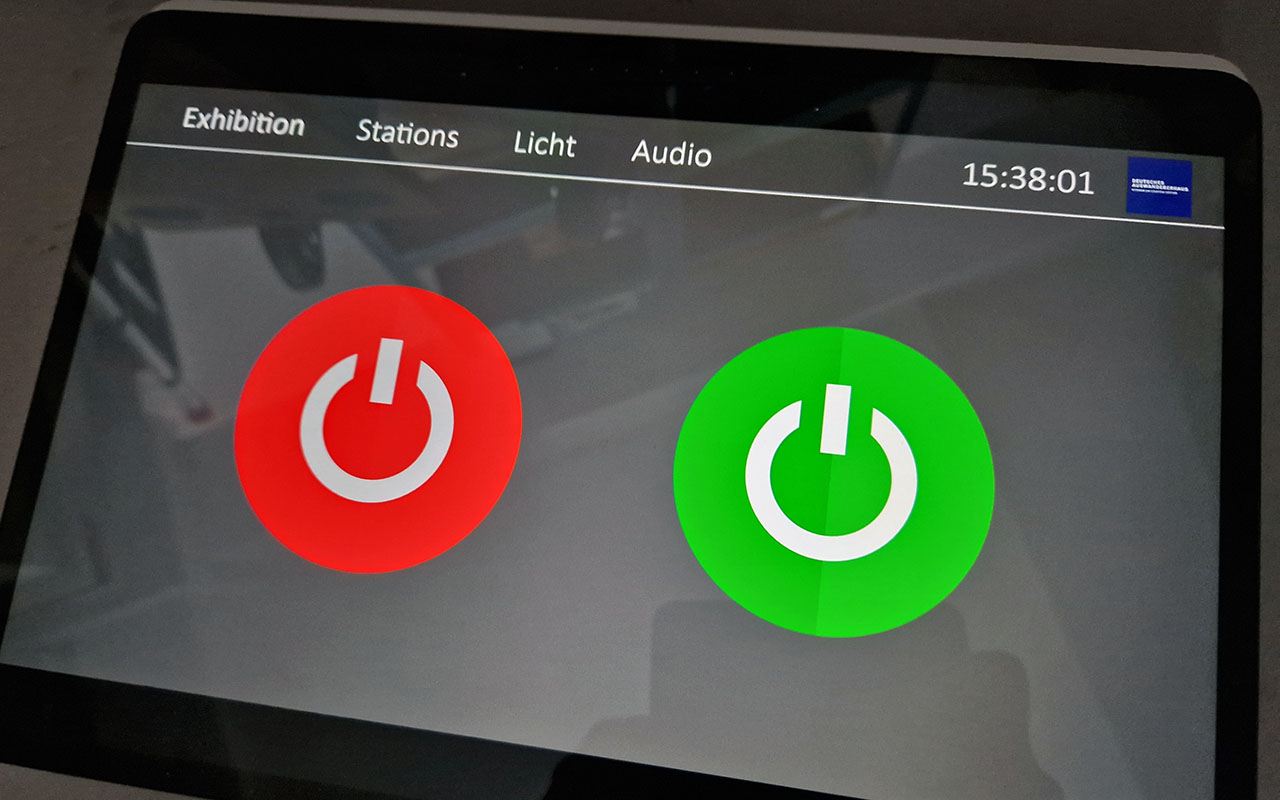
Tablet showing the exhibition control with two large on and off switches

Behind it all is our own IT services division: we also look after networks, servers and security for businesses. IT Services

Media control with gemControl

Switch the entire exhibition on and off with a single tap or on a schedule – PCs, projectors, displays, media players and lighting. In use in our exhibitions for more than ten years.

gemControl

Manage content with the gemelo CMS

Your team changes texts, images, films and translations itself – in the station software, with approval and versioning. The stations play their content locally and keep running even without the CMS server.

gemelo CMS

Run tablets securely with Kiosk Admin

Android tablets stay locked to your application, are set up via QR code and managed in the browser – even when the exhibition is 500 kilometres away.

Kiosk Admin

Updates without a site visit

New content and software versions reach the stations via the network, the internet or a USB stick – only the changed files are transferred.

Remote maintenance & monitoring

Stations report whether they are running and write logs that we can view remotely. That way, many faults can be fixed without anyone having to travel.

Direct lines

You talk to the people who programmed and installed your exhibition – from the first meeting to maintenance.

Projects

Six out of more than 480.

A small selection from recent years. You’ll find a larger selection – with filters for museums, science centres, nature, places of remembrance and brands – in our references.

Projection onto a castle model© Framegrabber Medien GmbH

Solingen2025

Schloss Burg

Camera-based interaction, sensors and projections onto 3D models and large surfaces for the new permanent exhibition.

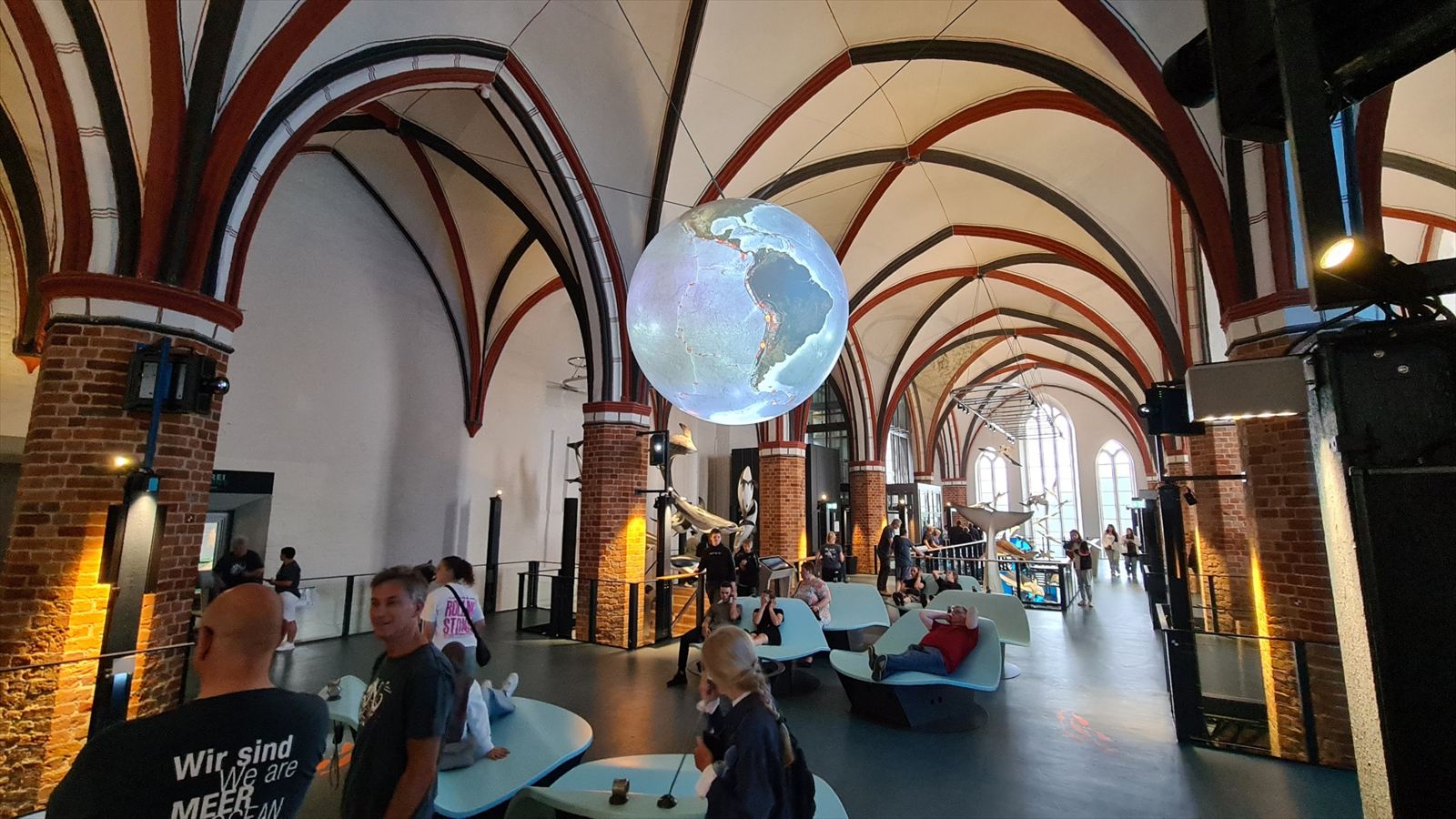
Globe projection in the Gothic vault

Stralsund2025

German Oceanographic Museum

Media technology, CMS, film and sound, and interactive stations across 2,900 m² – with the globe projection as the highlight.

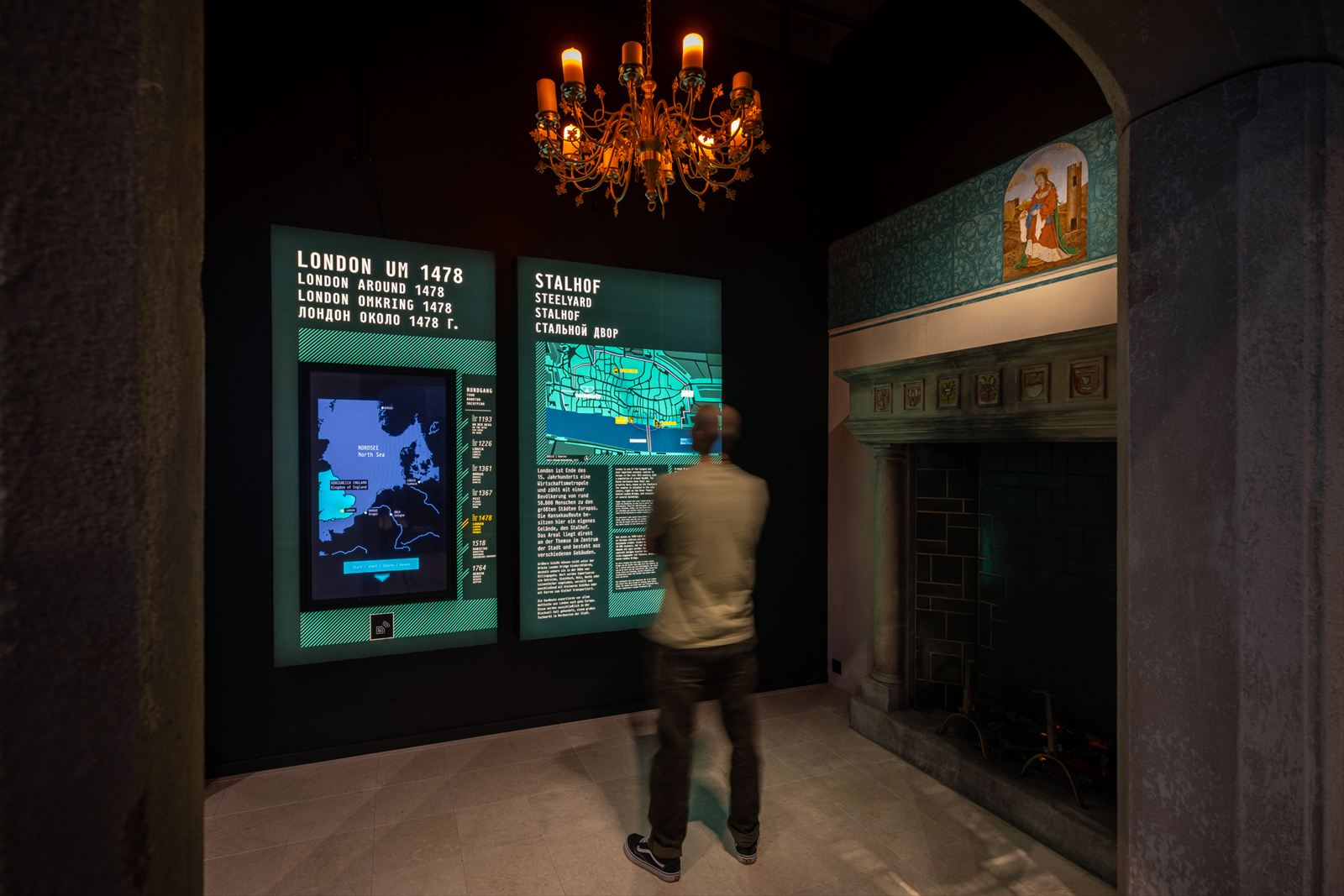
Media stations in the reconstructed London Steelyard© GfG, Michel Iffländer

Lübeck2023

European Hansemuseum

Programming, supply and installation of the exhibits for the new London room.

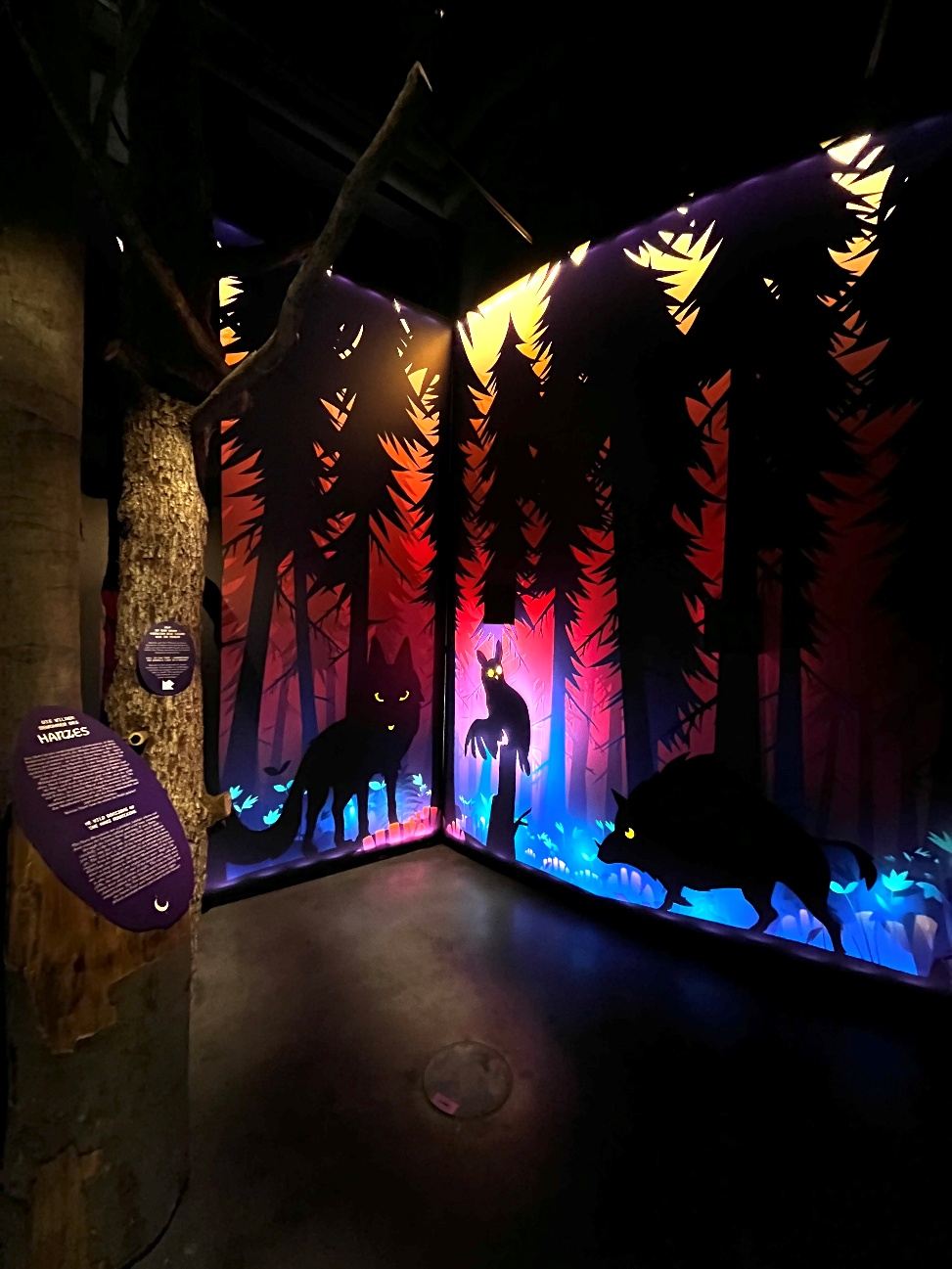
Glowing fairy-tale forest with silhouettes of animals

Ellrich2025

Harzer Hexenreich

Brewing magic potions, imitating animal sounds, flying on a virtual witch’s broomstick – in the base of a 70-metre-high tower.

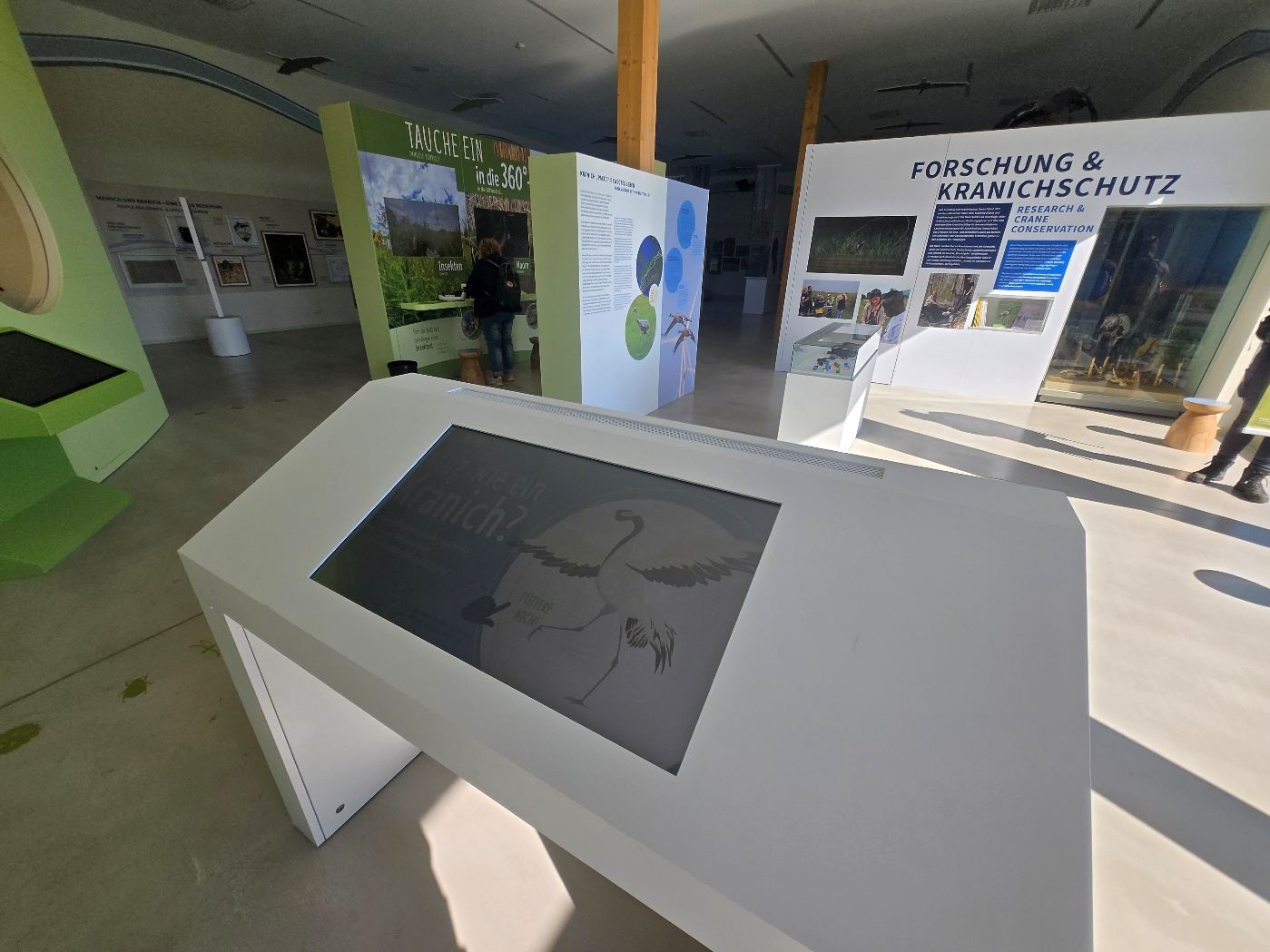
Interactive table in a bright exhibition about cranes

Groß Mohrdorf2025

Kranichwelten

VR animation, a sound shower with the duet calls of the 15 crane species and a digital quiz across 500 m².

All references

Frequently asked questions

What you often ask us.

Do you also supply media technology and installation – or just the software?
Both, ideally together: software, displays, projectors, media players and audio technology, plus installation, cabling, commissioning and documentation. If you already have a technology partner, we can also supply just the applications.
Do you work with scenography and architecture firms?
Often. Many projects are carried out on behalf of design studios and architecture firms, others directly for museums, cities, foundations and companies. We fit into either role.
Can we change content ourselves later on?
Yes – for the stations we set up for it. With the gemelo CMS, your team edits texts, images, films and translations in the original station software, with versioning and the option to undo changes.
In which languages?
In all the ones you need – multilingual at the Norwegian Printing Museum in Stavanger, for example, or bilingual at the Heinz Sielmann Foundation. For us, Easy Read, high contrast and subtitles are part of the package.
What happens if a station fails?
Stations restart themselves, report their status and can be maintained remotely. We install updates without a site visit; with gemControl, your staff can restart individual stations themselves.
How long does a project take?
From a few weeks for a single exhibit to a good year and a half for a large permanent exhibition such as the one at the German Oceanographic Museum.

Planning an exhibition?

Tell us about it – we’ll tell you what’s possible and what it takes.

Discuss a project +49 40 355306-0